
HSBC
Banking mobile app (B2C). Freelance project, London.
Business context: Financial services / Client: HSBC UK / My role: Consultant/UX Designer / Target audience: HSBC customers, including people with disabilities


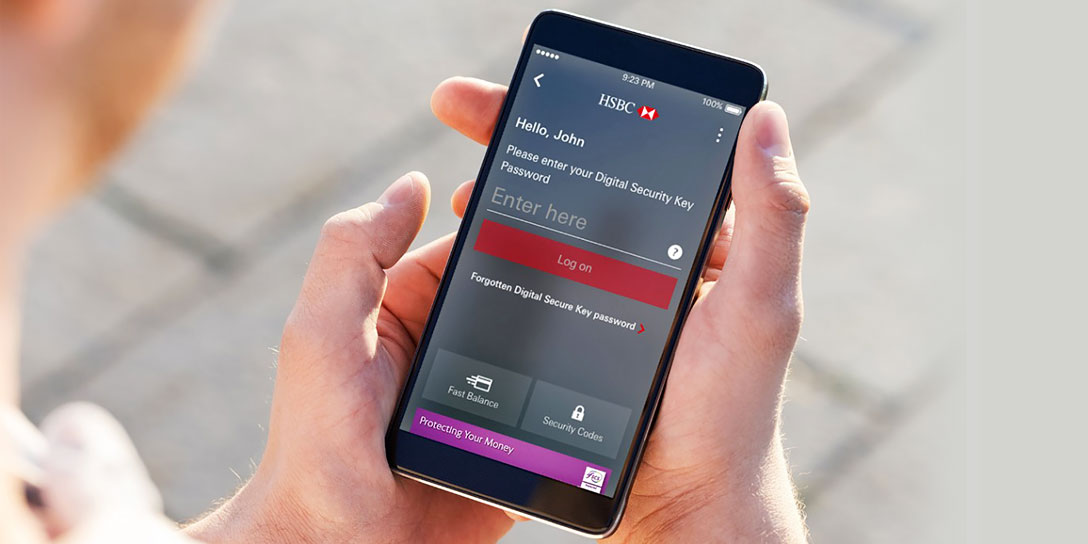
I collaborated closely with the digital design team to establish and align new standards across the mobile banking app and responsive platforms for both retail and corporate banking.
This project was delivered over a three-month fixed-term contract, adhering to UX best practices for iOS and Android at the time, with a strong emphasis on accessibility guidelines for users with disabilities.

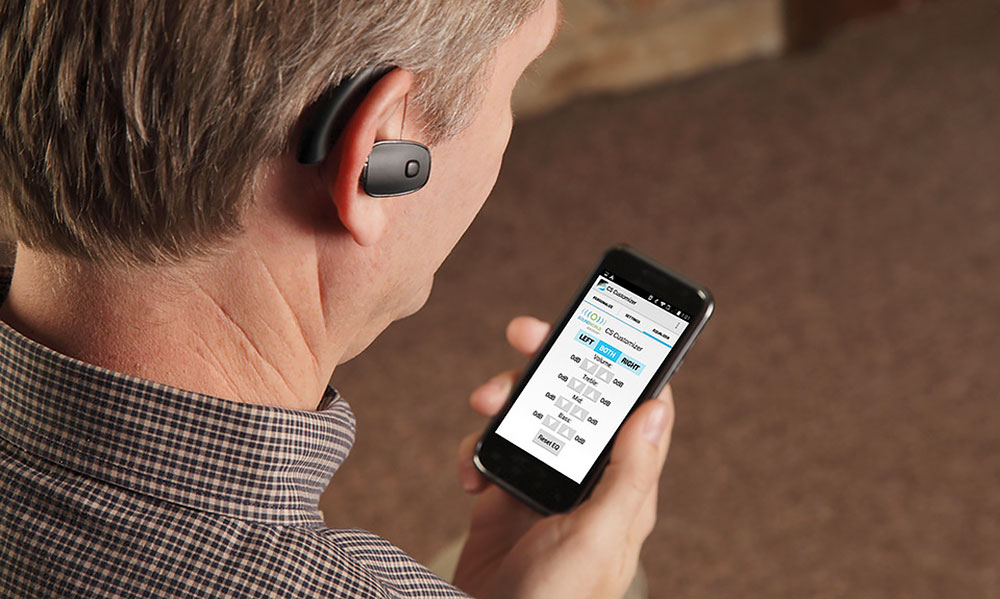
Mobile Accessibility
First, I requested documentation related to accessible mobile experiences, as many developers had not been trained in mobile accessibility best practices or lacked access to the appropriate guidelines and resources. In some cases, addressing accessibility issues was deferred and treated as a lower priority.
Hearing impairment
Someone who is hard of hearing and turns on captions when watching videos.
Visual impairment
Someone who is blind or deaf-blind and uses software to read websites and apps out loud.
Mobility impairment
Someone who uses voice command software instead of his / her finger to tap on the screen.
HSBC Mobile Accessibility Guidelines
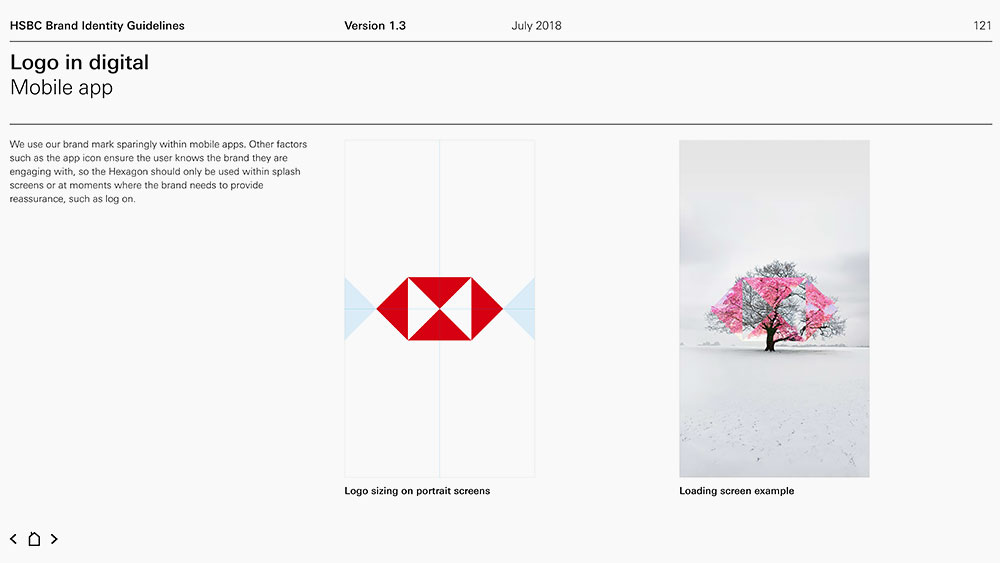
These guidelines established a set of principles for designing and building native app interfaces. However, as the documents shown below were outdated, I conducted additional research into the UX trends that were current at the time.
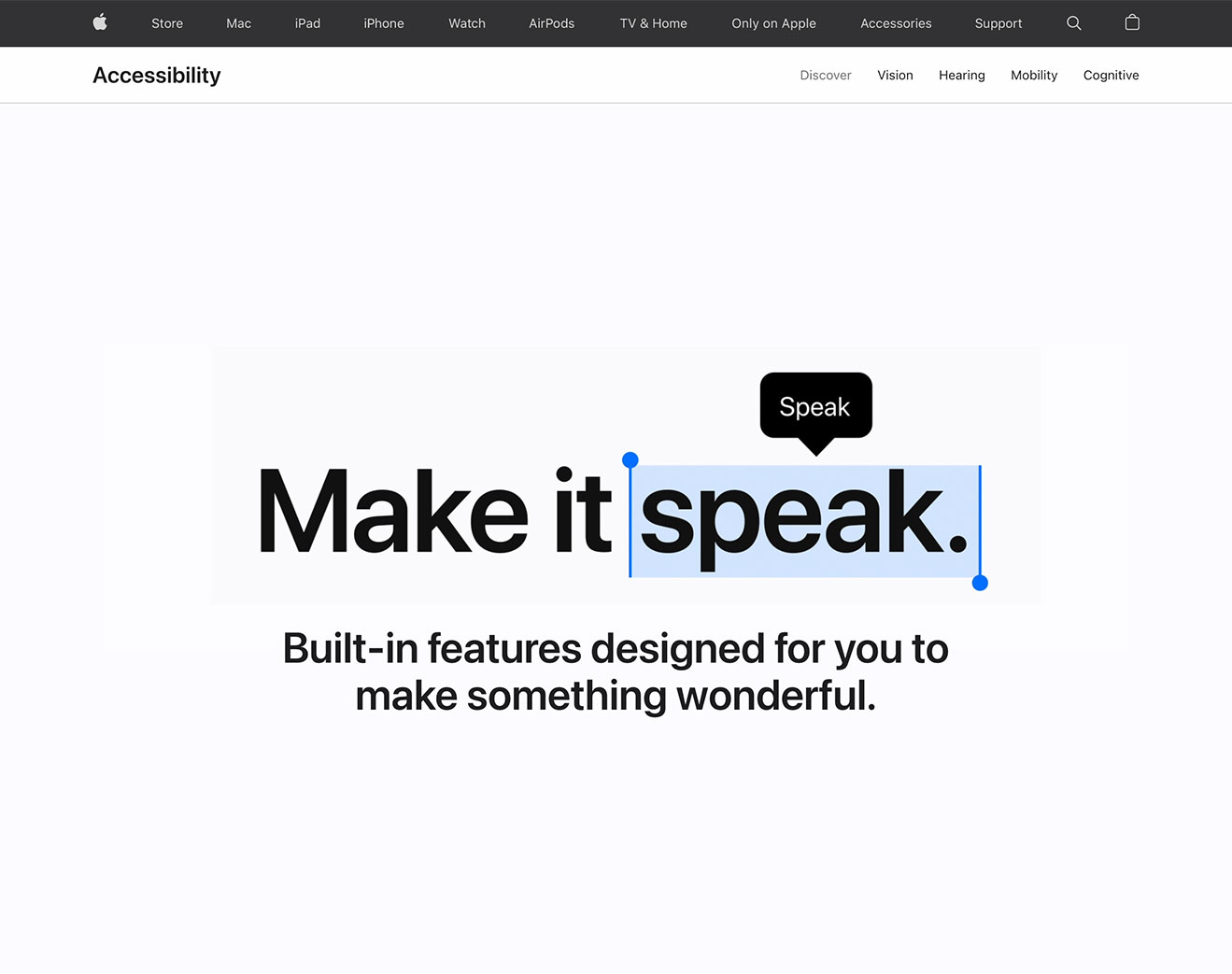
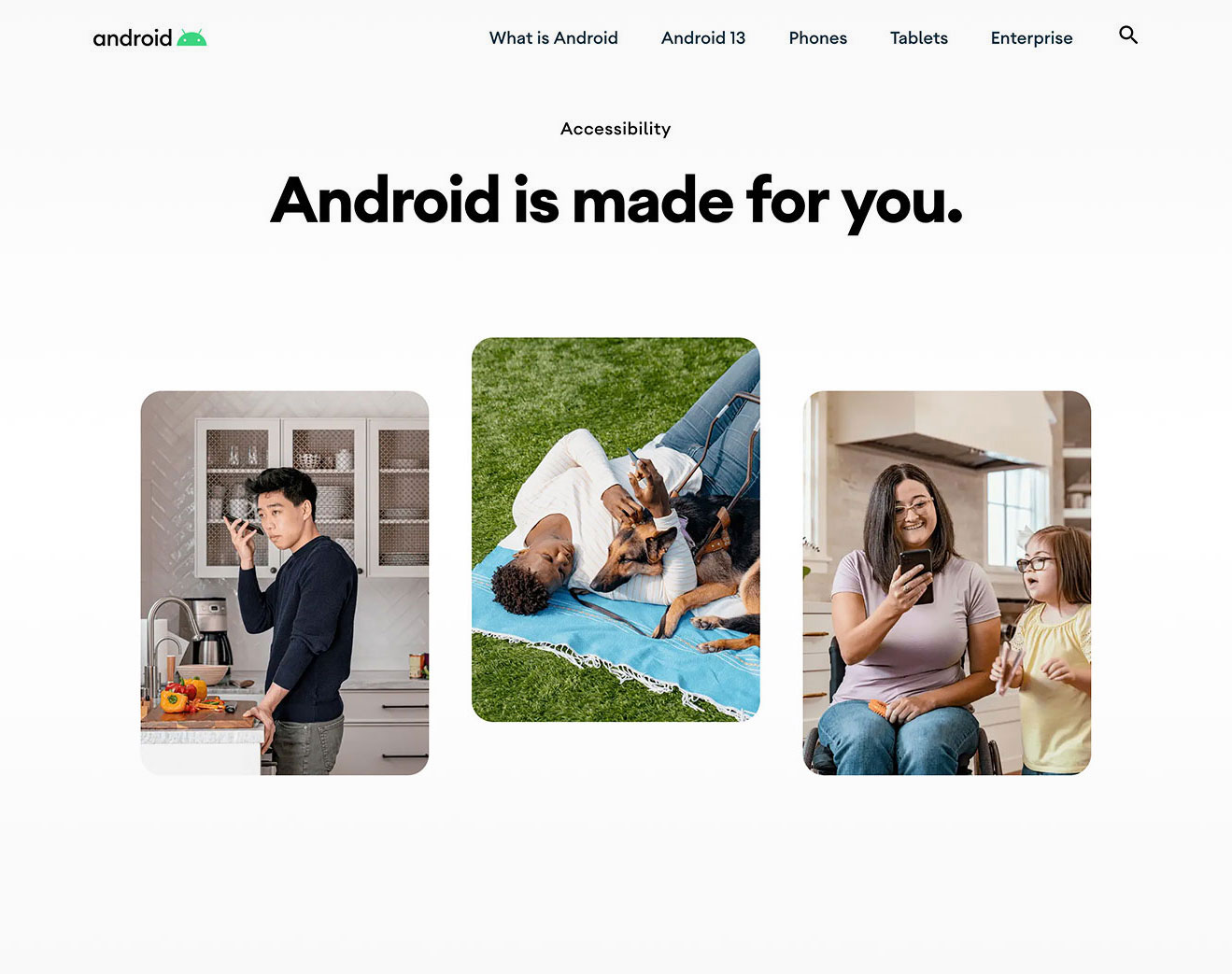
iOS vs Android Accessibility
It addresses a wide range of issues such as touchscreens, small screen sizes, different input modalities (including speech and 3D touch enabled by pressure sensors), device use in different settings like bright sunlight, and more.
HSBC Mobile Toolkit
The toolkit was structured into four main files: Library, Icon Set, Design Toolkit, and Specifications. It included all approved elements, such as colors, typography, patterns, and templates, along with guidance on how to use them.
In addition, the HSBC Global Digital Standards defined a structured set of standards for elements, patterns, and templates. It was designed to help users across various roles quickly find information by using clear, plain language.
1 Foundations
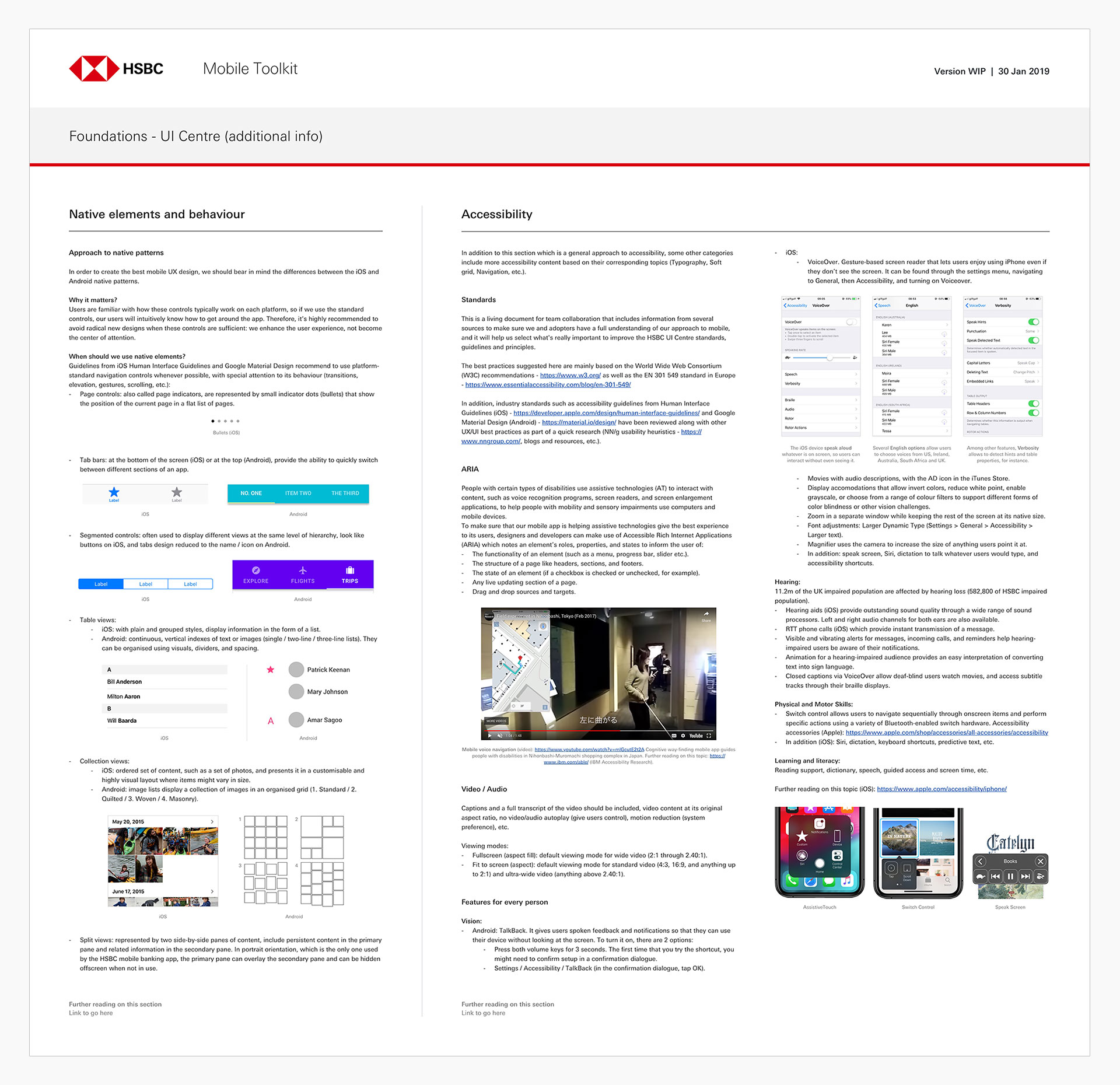
I defined Foundations and Components to create a more detailed and comprehensive mobile toolkit, with accessibility as a core consideration. This was supported by carefully explained visual examples and links to additional resources.
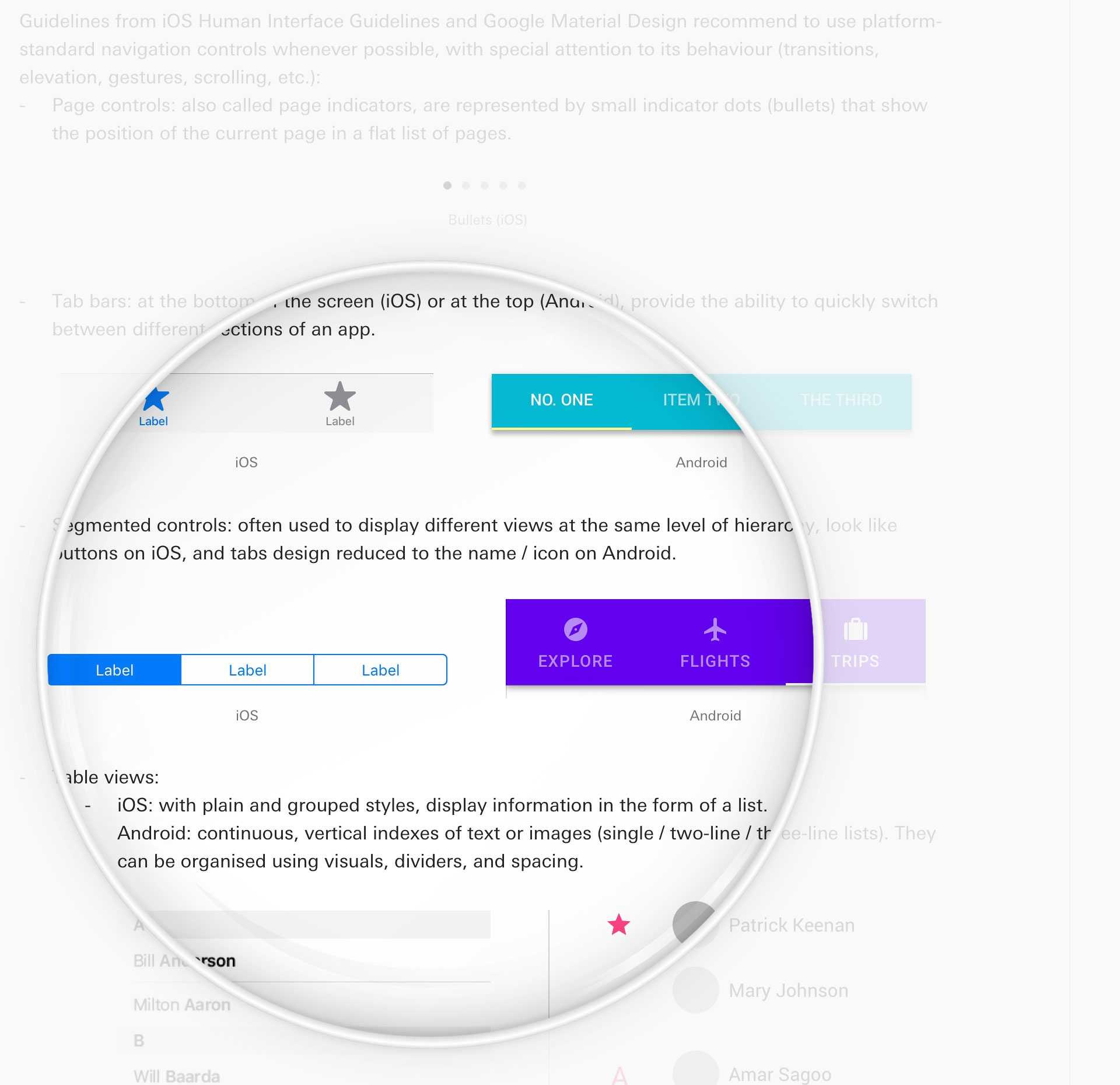
1.1 Native elements and behavior / Accessibility
This study started with a general approach to native patterns, as well as industry standards such as accessibility guidelines from Human Interface Guidelines (iOS) and Google Material Design (Android).
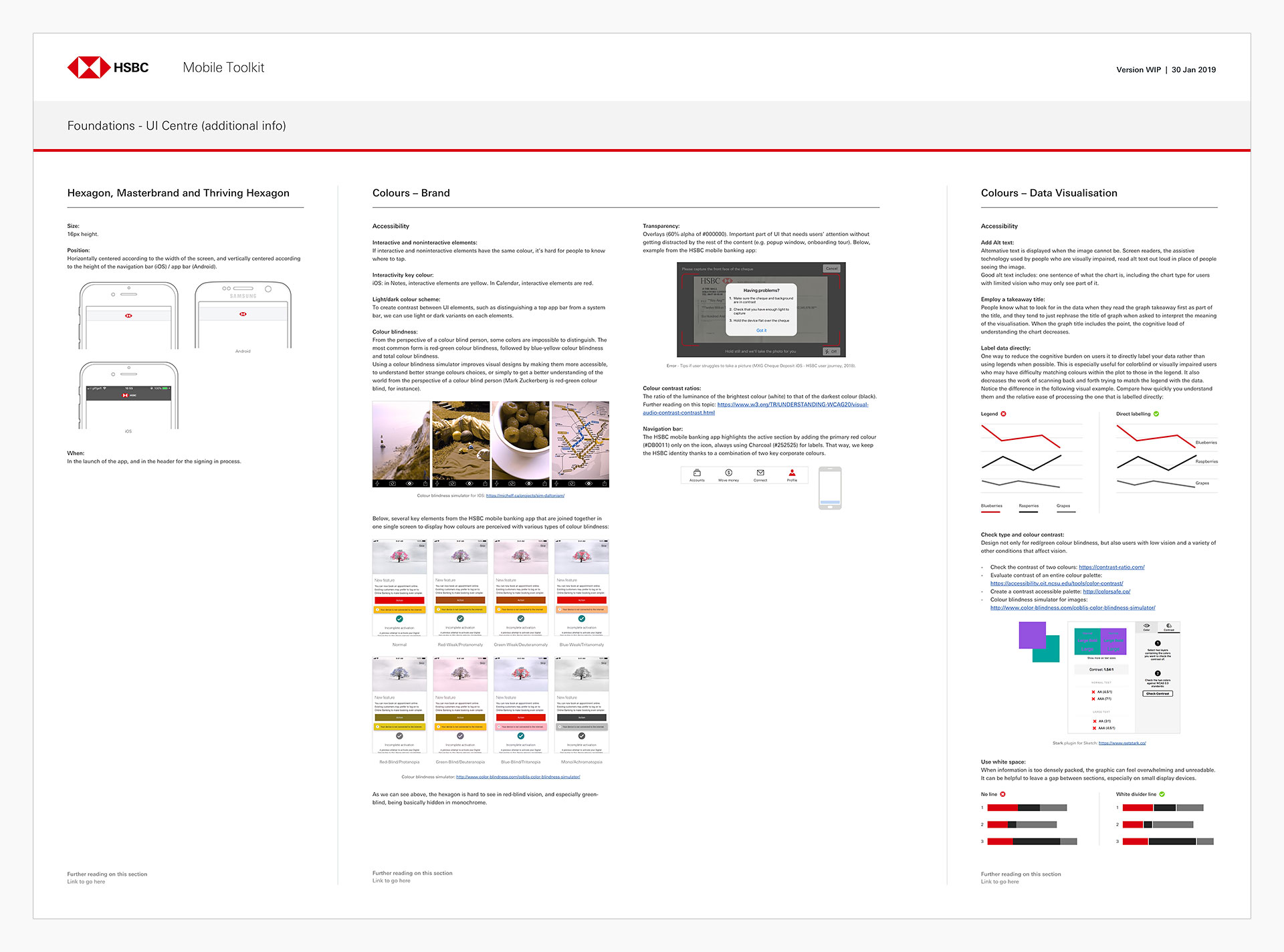
1.2 Hexagon / Colors (brand and data visualization)
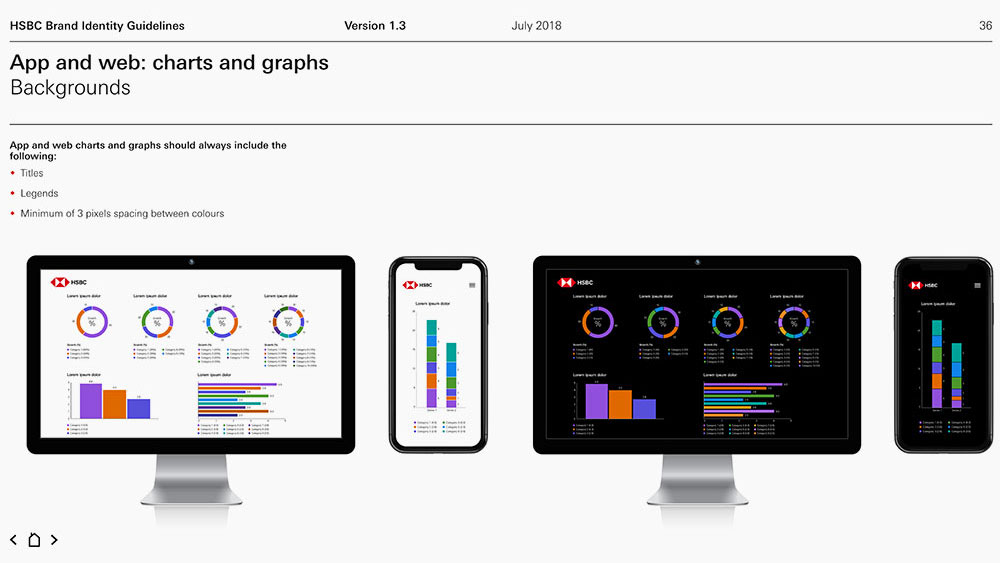
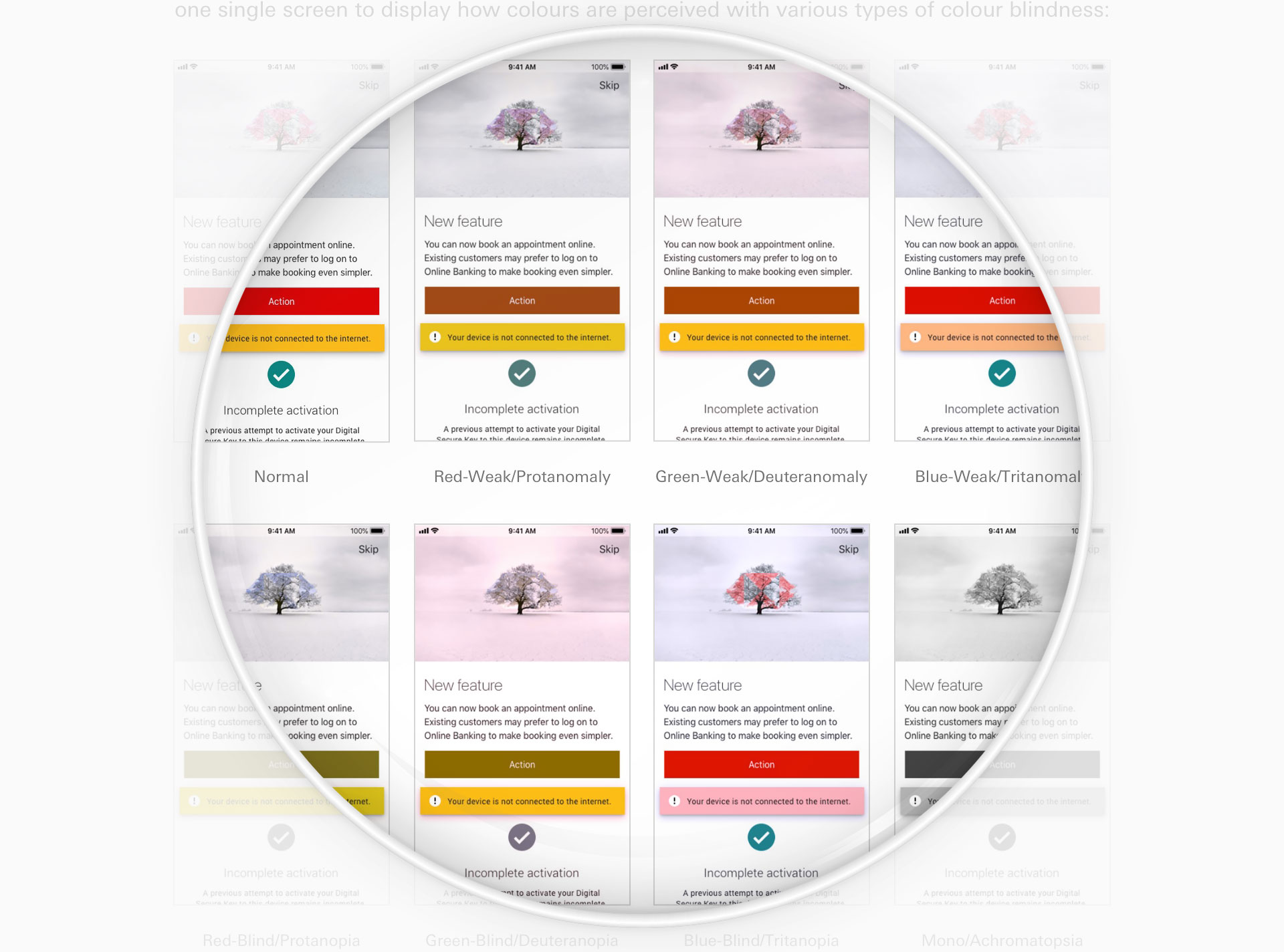
In addition, I tested several key elements from the HSBC mobile banking app by combining them into a single screen to demonstrate how colors are perceived across different types of color blindness. I also provided clear, simple examples illustrating data visualization, color contrast, and the effective use of white space to improve readability.
1.3 Typography / Soft grid / Icons
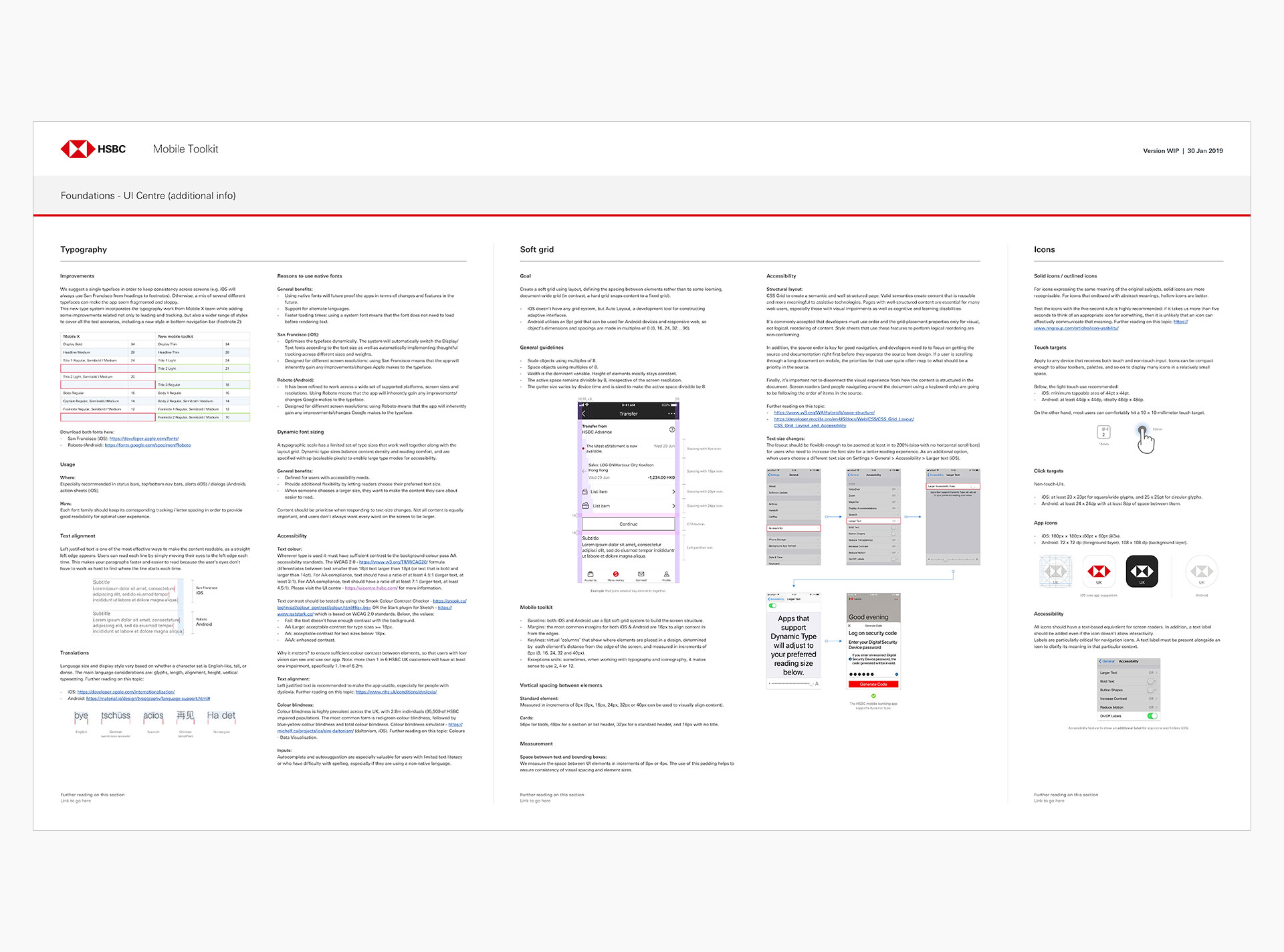
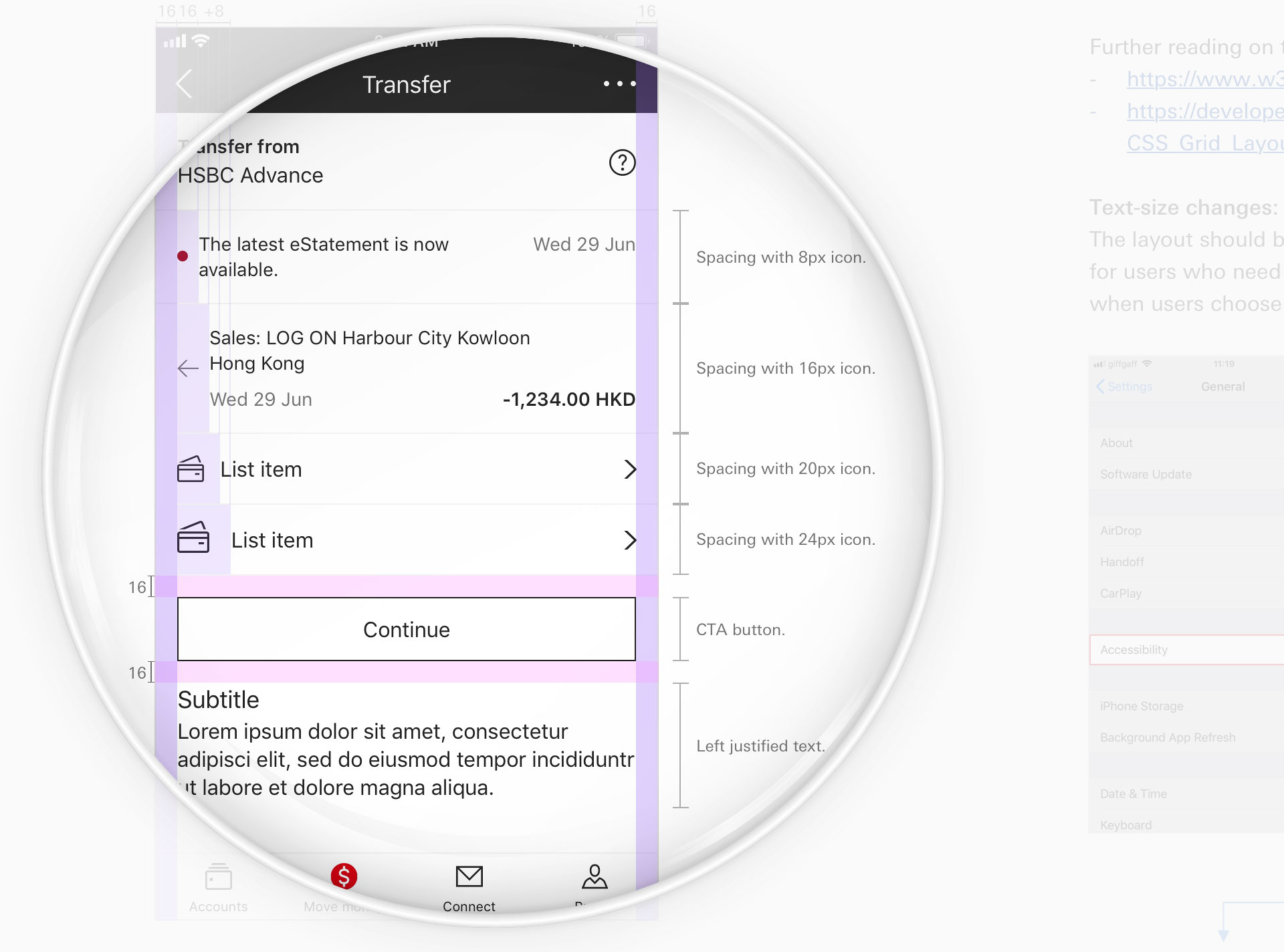
I introduced several improvements to the type system, addressing not only leading and tracking but also expanding the range of styles to cover a broader set of use cases. The image below outlines general guidelines for an 8pt soft grid system.
2 Components
This is a collection of elements, visual examples, and guidelines designed to ensure that the HSBC Mobile Accessibility Guidelines deliver a cohesive user experience.
2.1 Buttons / Search Bars / Navigation / Modality
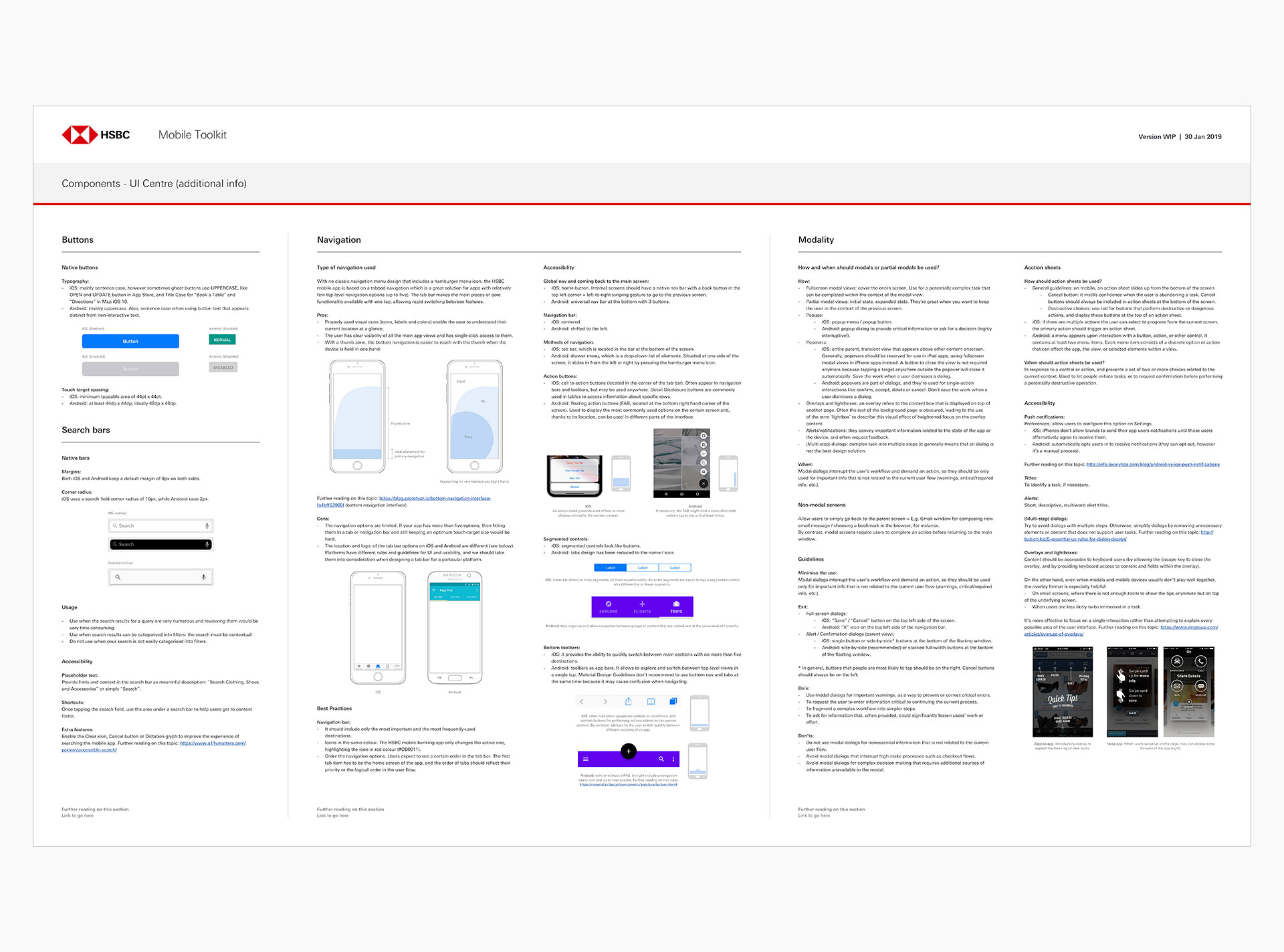
Supported by do’s and don’ts guidelines, native elements are presented along with their screen positions, highlighting the differences between iOS and Android with clear and accurate descriptions.
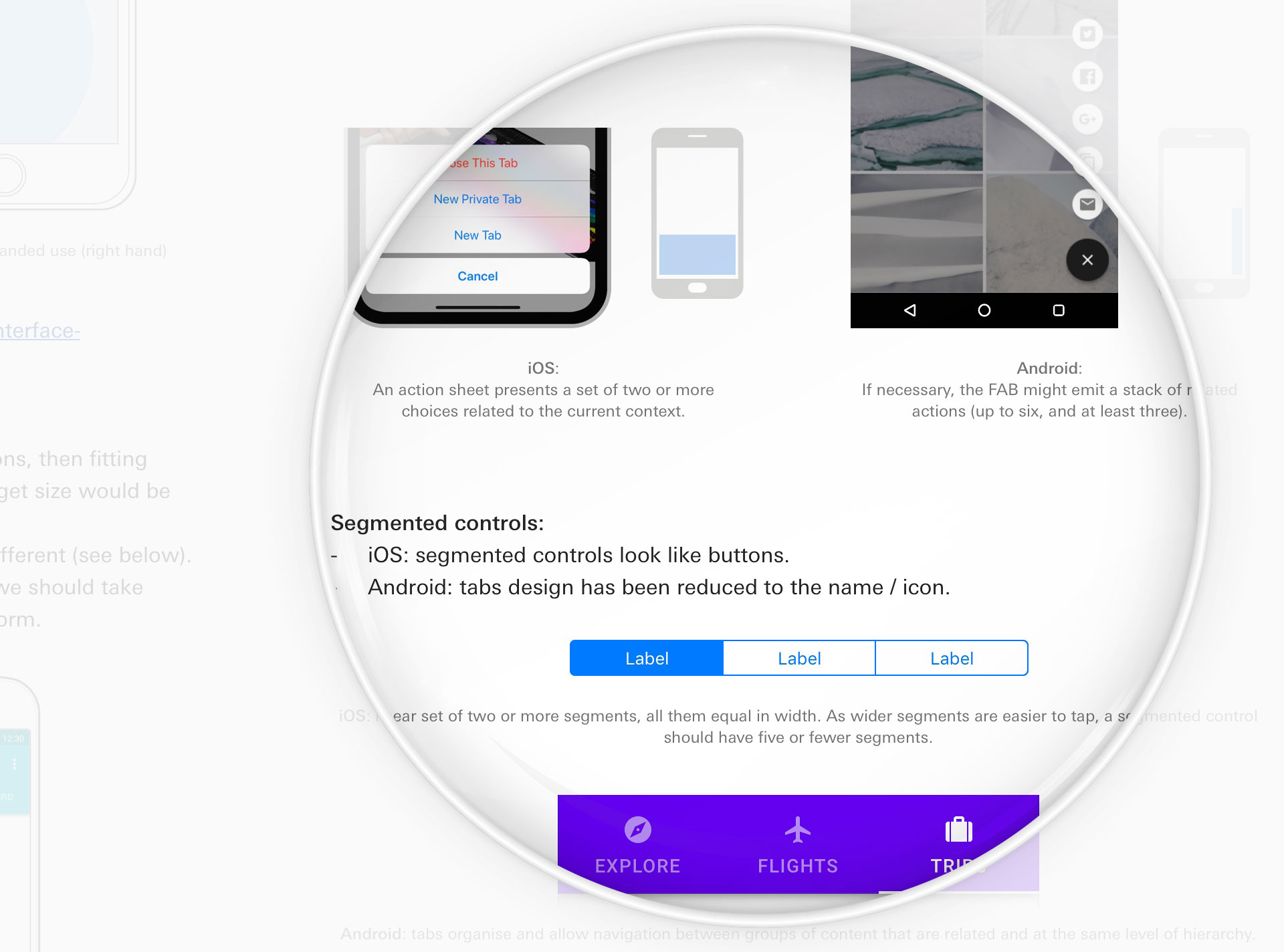
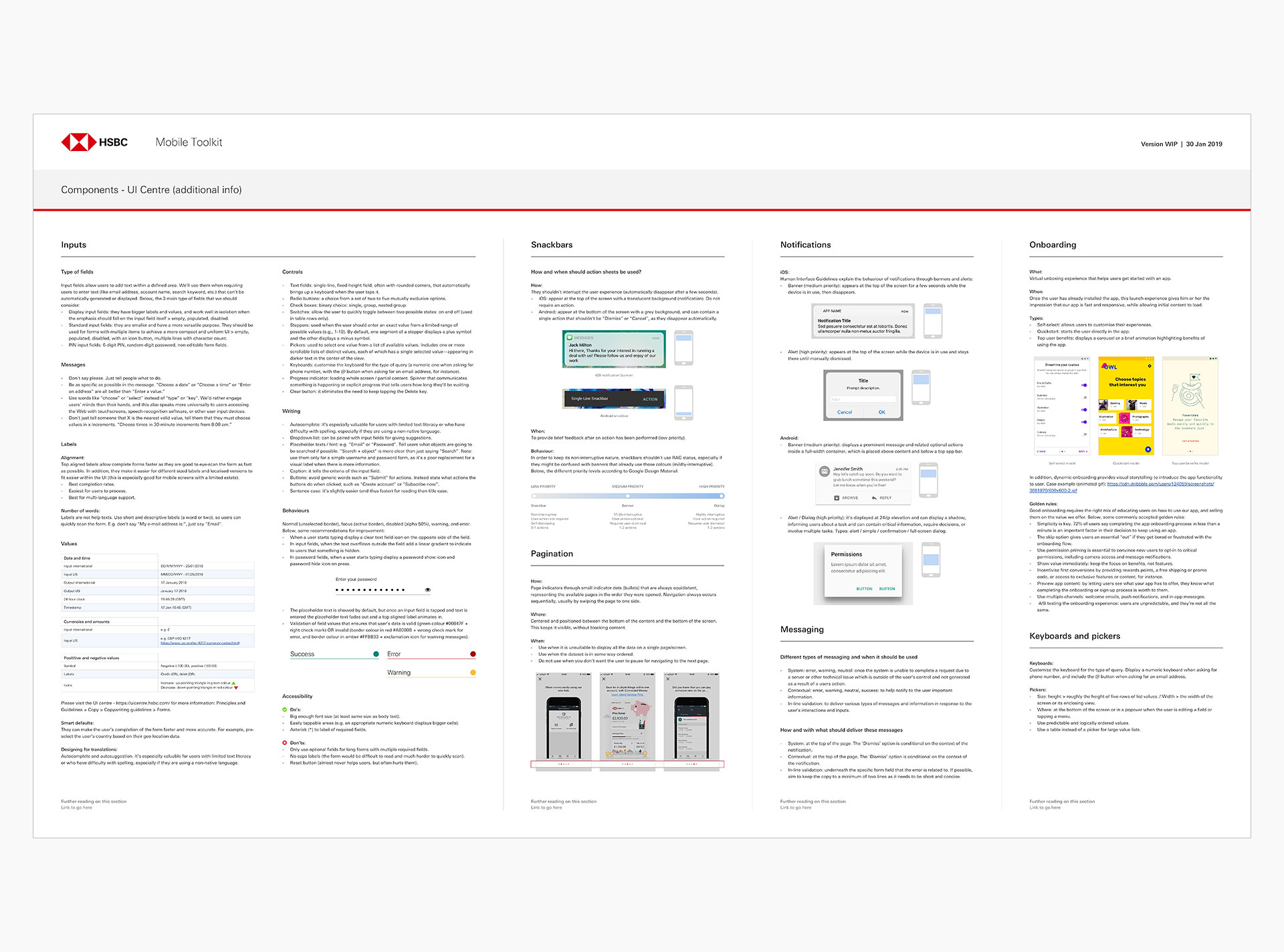
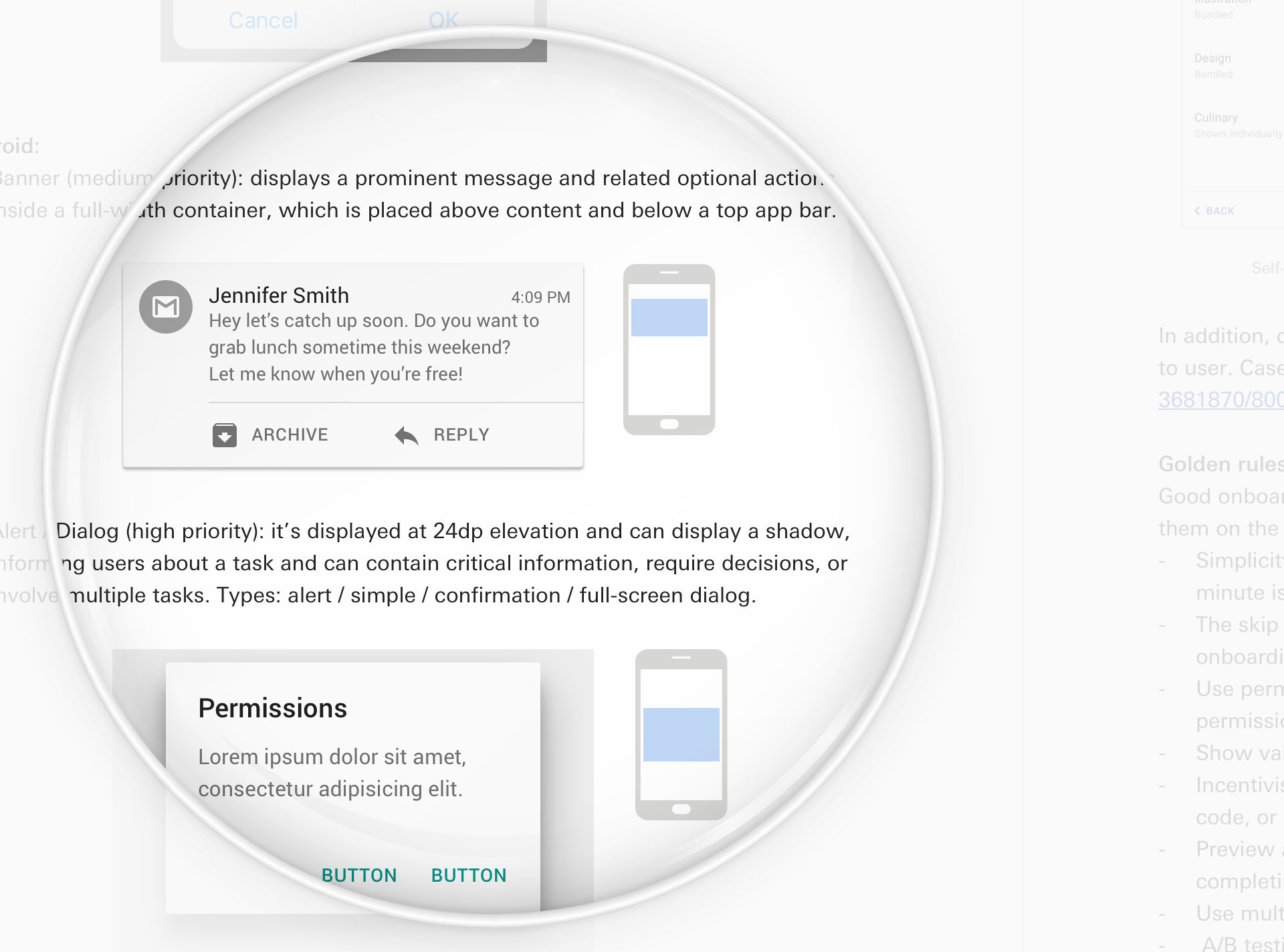
2.2 Inputs / Snackbars / Pagination / Notifications / Messaging / Onboarding / Keyboards and pickers
Following the above, additional elements illustrate the descriptions and placement of interactions. Both Foundations and Components are designed to achieve the right balance between brand consistency and the effective use of limited screen space.
Evaluation
I’m very proud of this project, which had a significant positive impact on HSBC customers globally and helped improve how people with disabilities interact with the mobile banking app. There is no better outcome in design than making people’s lives simpler and more accessible.